
Arizona VINE Coverage
Arizona runs its custody notifications through VINELink, a free service that works only where a jail or agency feeds it data. Coverage is not uniform. The 2025 State Impact Report from the Arizona Criminal Justice Commission names nine VINE counties: Cochise, Pima, Greenlee, Santa Cruz, La Paz, Yavapai, Maricopa, Yuma, and Navajo. Glendale Police Department and Tempe Police Department participate as agencies too. That gives those places a working notification route after an arrest, though a hit is never guaranteed for every booking.
Check the county table before searching. Apache, Coconino, Gila, Graham, Mohave, and Pinal sit outside the listed participants. Read that carefully. Absence from the table does not rule out a local alert program, and participation can change over time.
| Participation status | Arizona counties | How to read it |
|---|---|---|
| Listed for VINE | Cochise, Greenlee, La Paz, Maricopa, Navajo, Pima, Santa Cruz, Yavapai, Yuma | Use VINELink and select the listed county or agency when the interface prompts |
| Not listed in the 2025 county table | Apache, Coconino, Gila, Graham, Mohave, Pinal | Check the county’s own custody route or local alert channel; do not assume the event feeds VINE |
| Named city agencies | Glendale Police Department and Tempe Police Department | Agency participation is distinct from countywide jail coverage |
The report also names Arizona Community Victim Notification System (CVNS) participants and CommunityConnect-only agencies. Those services can open a local notification path. They do not prove the person's county jail is searchable through VINE. For participation questions, the ACJC table is the statewide source. For immediate custody confirmation, the agency holding the person is the source.
The split matters when a city runs its own alert program. Phoenix, Chandler, Mesa, Tucson, and other agencies appear in ACJC's CVNS list. The county table alone shows county VINE participation. A city police notification may track a city case or agency event. It may not track the later jail booking. If more than one agency took part in the arrest, ask which one has custody. Ask which one sent the alert too. A local service and VINELink can both help without sharing the same records.
Participation can change, so check the current county or agency choice on VINELink before relying on an older participation list.
Check One Arizona Custody Record
VINELink exists to find one person's custody record and enroll that person's contacts in alerts for qualifying status changes. Start at the official VINELink search. Pick Arizona. Choose the county or agency when the prompts offer it. Those prompts can shift as the service updates. A name works, and an agency booking identifier works even better when you have one.
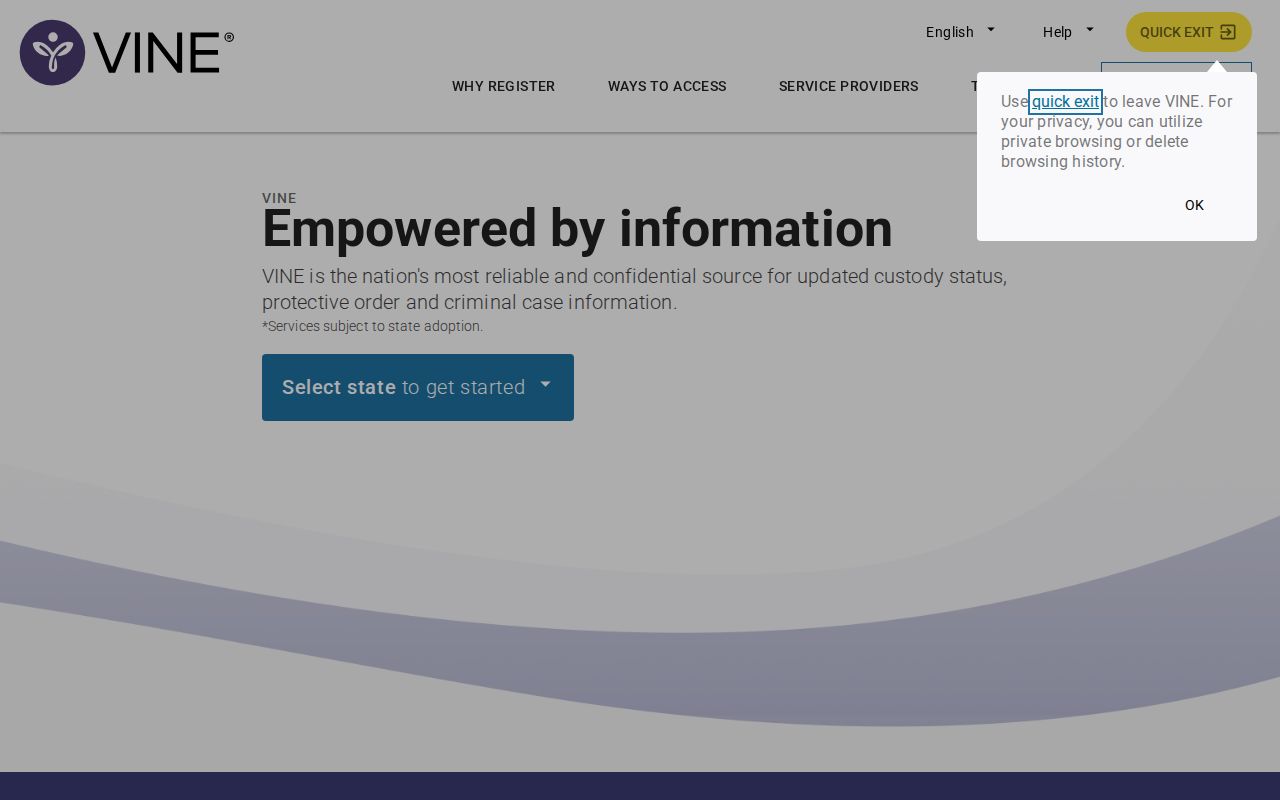
The VINELink search screen is a neutral view of the service, not a list of Arizona arrestees. Search by a known identifier whenever possible. With only a name, compare the result details the participating agency supplies. Never assume a similar name is the right person.
Use the following order when checking a possible match:
- Open VINELink and select Arizona, then choose the county or participating agency tied to the arrest if that option appears.
- Enter the person’s name or the booking or agency number supplied by the custodian. A number can narrow a match, but not every search path accepts the same identifier.
- Review each result rather than selecting the first similar name. Check the agency, custody status, and any other identifying fields that the system displays.
- Open the matching record to see its available status and notification choices. If no record appears, use the county’s official roster or records contact to ask about a fresh booking.
VINELink does not replace the arresting county's own custody source. Use the County Directory in the top navigation to reach each locality's official site. From there, follow its jail or police records path. A spelling variant, suffix, or common name can return more than one entry. Rely on a booking number from the custodian when available. Confirm the agency before registering any alert.
What a VINELink Result Shows
A VINELink result is a custody-status record from a participating system. It is not an arrest history, booking photograph, incident report, charge sheet, or court disposition. What displays depends on the county or agency data feed, and it changes when the person is released, transferred, or moved to another system.
| Possible result field | What it can tell you |
|---|---|
| Name and agency ID | The person and participating agency record the system matched; identity still needs care |
| Custody status | A supplied status such as in custody, released, transferred, or another system-specific label |
| Facility or agency | The participating location or custodian associated with the status, when provided |
| Alert enrollment | Whether a notification method is set for a qualifying custody event |
| Status update | A new change sent by the agency feed; timing can lag the actual event |
A blank result has several possible causes. The county may not be listed, the event may not have reached the feed yet, or the person was released or transferred. A name or ID mismatch produces the same silence. Another agency may hold the record. None of this proves no arrest happened.
Arizona Department of Corrections, Rehabilitation & Reentry (ADCRR) is a separate state-prison system. Its Inmate Data Search follows a court and sentencing path, so it is neither the county VINE table nor a same-day booking feed. A county-jail result can also vanish after a transfer without meaning the person went free.
Register for Release Alerts
Once the correct record is open, select the notification option that participating system displays. Phone, text, email, TTY, and app alerts may be offered. Availability depends on the route and the current interface. Some phone registrations require a personal identification number (PIN). VINE alerts cost nothing. Still, no alert plan guarantees every status change arrives on a fixed schedule.
- Choose the available alert method, such as phone, text, or email, and enter contact details that you can keep active.
- For a telephone enrollment, follow the prompt to create or enter a PIN when the system requests one. A PIN helps protect access to the alert account.
- Save the confirmation and any reference number. Check that the contact details are correct before leaving the record.
- Update the number or email if it changes, and use VINELink’s current help route or the custodial agency when an expected alert does not arrive.
A registration only works when the record comes from a participating agency. If the agency never sends an event to VINE, no alert goes out. The system also cannot promise current data. Getting a notice does not validate anything about the arrest itself. Never contact or approach a person because an alert arrived. Call 911 for a safety emergency. For a status question, go to the agency named in the record.
Keep contact details current for as long as the alerts matter. A disconnected phone can quietly swallow a notice. So can a filtered text or a stale email. When the system shows a release or transfer, treat it as a report from the participating agency. Check the named custodian for the full picture. VINELink cannot explain the court's next step. It cannot confirm a case has closed.
Keep the enrollment PIN and confirmation details private, and test the contact method when the system offers a safe way to do so.
Arizona VINE and Local Alerts
Other notification deployments appear in the ACJC report. VINE is listed alongside them. It lists Arizona Community Victim Notification System participation at Apache Junction, Phoenix, Arizona State University, Pinetop-Lakeside, Chandler, Queen Creek, Cottonwood, Show Low, AZDPS, Tolleson, Gilbert, Tucson, Marana, Mesa, Prescott Valley, and Yuma Police Department. Flagstaff Police Department and St. Johns Police Department appear in the same table. Both are listed as CommunityConnect-only. These are separate agency arrangements. They do not prove that a county jail feeds a given booking into VINELink.
An older ACJC VINE presentation covers web, telephone, and mobile-app use. It also gives background on the notification service. It helps with mechanics. The 2025 impact report is the newer participation source. An old rollout slide cannot prove every system still runs today.
Federal and Prison Custody
Arizona VINE is not a universal custody locator. City holds, citations, juvenile records, tribal systems, federal cases, and immigration detention all fall outside it. It is not a public photo search either. Someone can also move from a county jail into state, federal, or immigration custody, and the county result may no longer show that person.
The federal Bureau of Prisons locator and the ICE Online Detainee Locator are separate tools. BOP offers no public booking-photo gallery. ICE's locator carries its own identity fields and eligibility rules. DHS also runs a distinct ICE VINE notification route for qualifying immigration custody, which is not the Arizona county-jail search.
After an Arizona booking, confirm custody with the county that received the person. For filings and outcomes, use the court record. For a post-sentencing state-prison status, use ADCRR. Each system has its own custodian and update cycle. One blank search answers nothing.
When VINELink Has No Result
A fresh arrest can take time to reach a custody feed. When a person does not appear, confirm the likely county and arresting agency first. Check the county's current roster or booking-date tool next. Then call the custodian. Or make a narrow record request. A different spelling can explain an empty result. So can a transfer, a release, a citation without jail booking, or a nonparticipating system. Do not guess which one from silence alone.
Arizona's Daily Arrest Report page maps the statewide same-day and current-custody routes. It separates dated bookings from a current roster. It also lays out a fallback path. Some counties lack a verified public feed.
The broader view of county feeds, booking records, and Arizona photo-policy variation sits on the Arizona recent arrests home page. VINELink is a useful alert layer. It works when the agency participates and the record matches. The county remains the source for its own intake, release, and transfer record. The court remains the source for filed charges and disposition. A custody alert cannot replace either one.